

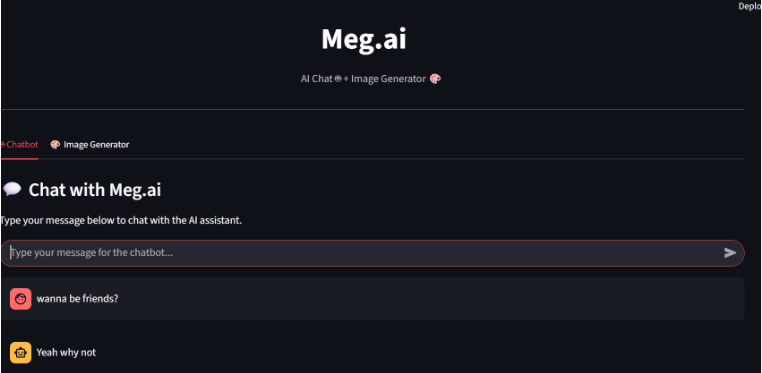
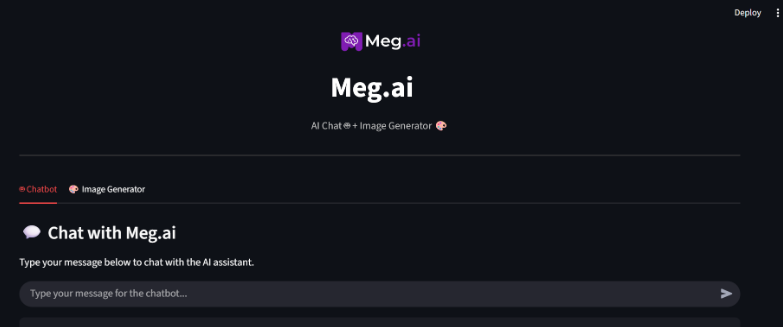
Figure 1. Landing screen of the Streamlit app
Meg.AI combines a conversational chatbot (DialoGPT-Medium) and a text to image generator
(Stable Diffusion v1.5) in a single Streamlit application. The app runs locally with models stored in a
/models folder, which allows teams to experiment privately and rapidly.
– Product Manager: Explore messaging and feature ideas with the chatbot, then create quick mood images for presentations.
– Designer or Marketer: Turn a copy prompt into a visual reference, save iterations to /outputs, andcompare side by side.
– Engineer: Test the integration of open models locally, measure latency, and plan for a GPUbacked deployment
Problem: Cloud AI tools increase cost and raise privacy questions for regulated teams. Context
switching between chat tools and image tools slows iteration.
Offline first: No dependency on live external APIs after installation.
– Two tabs, low cognitive load: Users should understand the UI in seconds.
– Fast feedback: Chat responses sub-second after warm-up; image generations within practical bounds on a single GPU.
– Maintainable codebase: Clear project structure that others can fork and extend.
UI: Streamlit single page app with tabs (Chat, Image Generator).
– Chat pipeline: Hugging Face Transformers with microsoft/DialoGPT-medium tokenizer and causal LM.
– Image pipeline: Diffusers Stable Diffusion v1.5 with optional safety checker.
– Model lifecycle: model_loader.py caches models on first request to avoid repeated loads.
– Inference modules: inference.py for chat, image_generation.py for images; each returns plain Python objects or file paths.
– Persistence: /models for weights, /outputs for generated images, /assets for branding, logs optional.
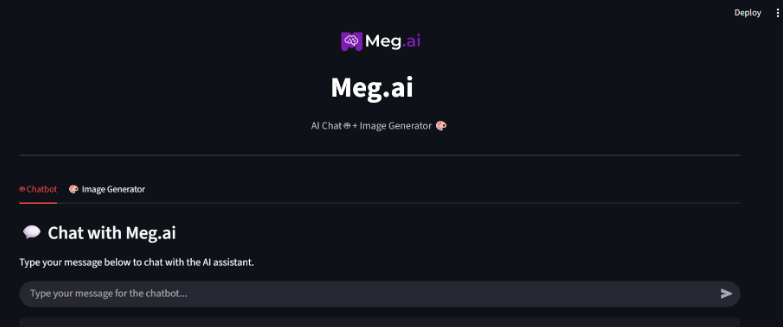
Figure 2. Image Generator tab with prompt field and output area.
– Session state manages chat history so the model receives recent turns without overlong prompts.
– Generation parameters are set to safe defaults; power users can change steps or guidance scale in code.
– Autosave: every image is saved with a timestamped filename to /outputs for easy retrieval.
– Lazy imports reduce initial memory footprint and speed up first paint
Measurements were taken on typical developer hardware. Your numbers will vary based on CPU,
GPU, and I/O. After warm up, chat responses are nearly instant; image generation scales with GPU
capability
– Chat latency after warm up (CPU only): about 0.6 to 1.2 seconds.
– Stable Diffusion v1.5 on mid range GPU: about 8 to 20 seconds per 512×512 image.
– CPU only fallback: image generation possible but slower and mainly for demos or testing.
The chatbot supports quick, informal exploration. Users keep momentum by staying in one app.
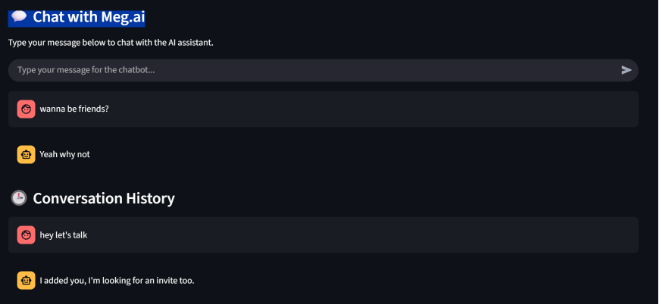
Figure 3. Chat tab showing conversation flow
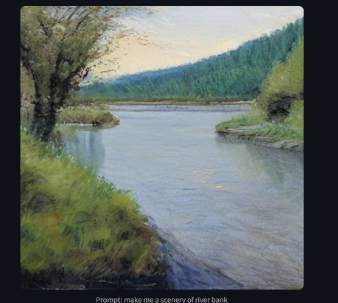
Figure 4. Alternate chat view with short prompts
Enter a plain English prompt, click Generate Image, and the output is displayed and saved to
/outputs. This provides a quick loop for storyboards, mood boards, and content experiments.
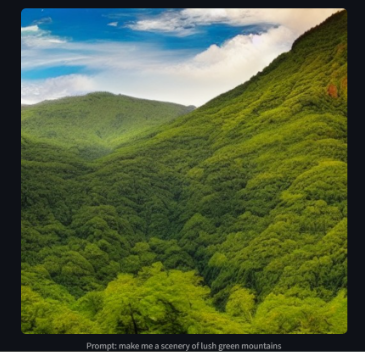
Figure 5. Sample landscape outputs created by the app.
Local only mode: No network calls after models are cached locally.
– Access control: Deploy behind VPN or on a secure subnet; add basic auth if exposed internally.
– Content safety: Optional safety checker for image generation; adjustable to policy needs.
– Licensing: Respect original licenses for DialoGPT and Stable Diffusion when redistributing weights
Meg.AI reduces context switching and protects privacy, which speeds internal ideation. The
following KPIs help teams evaluate value over a pilot period.
– Average prompts per session and time to first image.
– Percent of experiments completed without leaving the app.
– Reduction in time to produce draft visuals for reviews.
– Adoption rate across product, design, and marketing teams.
– Install Python 3.11, create a venv, and pip install -requirements.txt
– Download models to /models: DialoGPT-medium and Stable Diffusion v1.5 in Diffusers format.
– Run locally: streamlit run app.py then open http://localhost:8501
– For hosting, use Hugging Face Spaces with a GPU. Alternative: Render or Railway for Python services; optionally expose via Vercel UI.
– Chat memory export and project based workspaces.
– LoRA fine tuning for brand and style consistency.
– Background job queue and role based access.
– Telemetry dashboard for usage and performance (opt in).

Yes. After models are downloaded into /models, the app does not require internet.
For image generation speed, yes. CPU works for demos but is slow.
Yes. Swap the model in chatbot/inference.py and update tokenizer and weights.